
Expensify Alternative 4.7/5(124 reviews)Trusted by 10,000+ finance teams
An Expensify Alternative Built for Accountants, Not Employees
Expensify is designed for employees submitting individual expense reports and getting reimbursed. If you're an accountant or bookkeeper processing hundreds of client receipts each month, you need different software, bulk OCR extraction, batch export to QuickBooks or Xero, and per-client organization. That's DocuClipper.
4.7/5(124 reviews)Trusted by 10,000+ finance teams14-day free trialNo credit card required
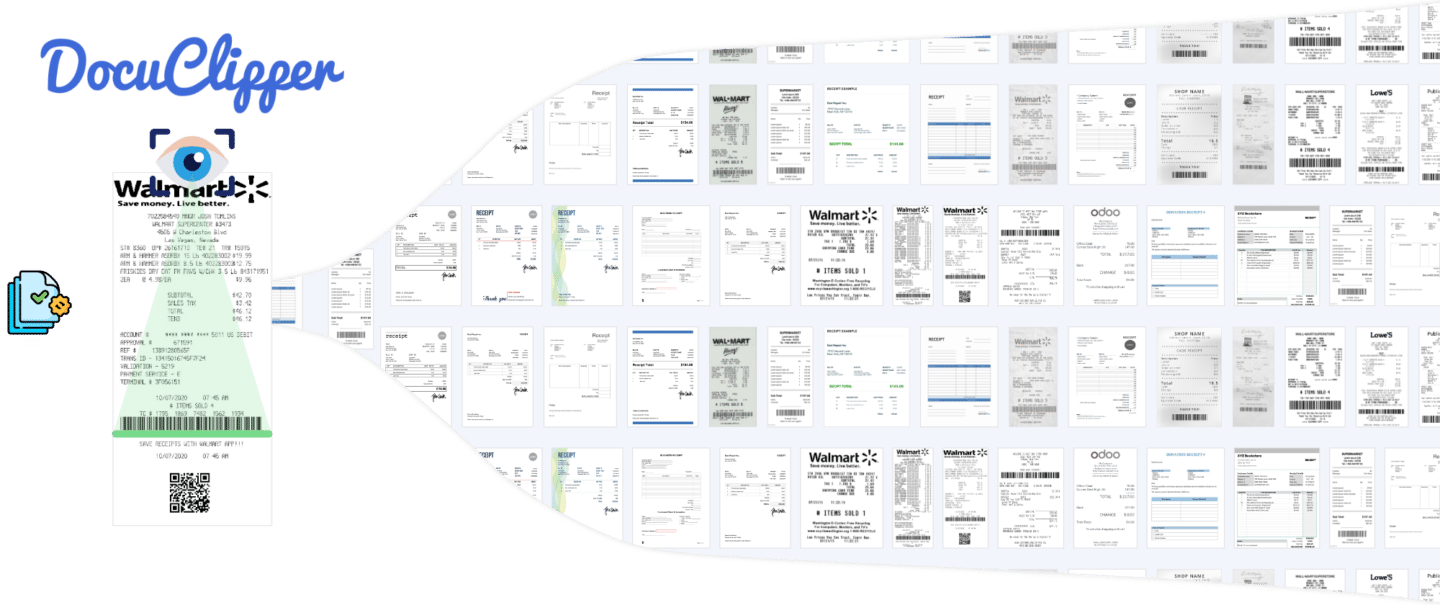
DocuClipper vs Expensify: short answer
DocuClipper is the Expensify alternative built for accountants and bookkeepers, not employees: bulk client receipt processing, batch QuickBooks and Xero export, and per-client organization, without per-user seat pricing.
- Bulk receipt batches: upload 50 or 500 receipts at once, organized by client, project, or period.
- Accuracy: 99.9% field-level on digital PDFs; extracts merchant, date, amount, tax, category, and payment method from any receipt layout.
- Pricing: firm-wide page-based, one subscription covers your entire practice. G2: 4.7/5 across 124 reviews.
- Direct push to QuickBooks Online and Xero, plus Sage Cloud / Sage 50 ready-to-import CSV; no expense report routing.
Pick Expensify instead when: you are an in-house finance team that needs employee expense reports, mileage tracking, and reimbursement workflows for your own staff.
Trusted by 10,000+ Accounting, Lending, and Finance Professionals













What DocuClipper does differently from Expensify
- Processes client receipt batches in bulk, upload 50 or 500 receipts at once, not one at a time.
- Extracts merchant, date, amount, tax, category, and payment method from any receipt layout.
- Organizes receipts by client, project, or period, not by individual employee.
- Exports structured data to Excel, CSV, QuickBooks, or Xero directly, no expense report routing required.
- Supports any receipt format: paper scans, PDFs, email attachments, and photo uploads.
- No per-user seat pricing, one subscription covers your entire accounting practice.
How bulk receipt processing works in DocuClipper
Upload a batch. Extract data. Export to QuickBooks or Xero. Done.
→
Upload client receipt batch
Drop PDFs or scanned images, forward email attachments, or sync a Google Drive folder. Process a month's worth of client receipts in one upload.
→
AI extracts all receipt fields
DocuClipper reads merchant name, date, amount, tax, category, and payment method from each receipt, no templates or per-vendor configuration needed.
→
Review and categorize
Review extracted data in a spreadsheet view. Apply GL codes, correct categories, and flag exceptions, across the entire batch at once.
Export to QuickBooks, Xero, or Excel
Export the entire batch to QuickBooks Online, QuickBooks Desktop, Xero, or Excel/CSV. One click syncs all receipts to the correct client account.
DocuClipper vs Expensify: two different tools for two different jobs
The right tool depends on who's processing receipts and why.
Built for accountants, not employees
Expensify is built for employees submitting individual expense reports and getting reimbursed through payroll. DocuClipper is built for accountants and bookkeepers processing receipts on behalf of clients, a fundamentally different workflow.
Bulk processing vs. one-at-a-time
Expensify processes one expense report at a time, per employee. DocuClipper processes 50–500 receipts in a single upload, batch extraction, batch categorization, batch export.
No employee reimbursement required
Expensify routes receipts through approval chains and reimbursement flows. DocuClipper skips the reimbursement layer entirely, extract data, organize it, and get it into your accounting system.
Per-client organization
Expensify organizes by employee and expense report. DocuClipper organizes by client, project, or period, matching how accountants structure their practice.
Direct QuickBooks and Xero sync
DocuClipper pushes extracted receipt data straight to QuickBooks Online or Xero, or exports an IIF file for QuickBooks Desktop. No middleware, no extra steps, receipts post as expenses in the right client account.
Priced for a practice, not per employee
Expensify charges per active user, pricing scales with how many employees are submitting expenses. DocuClipper charges by pages processed, which scales with your client volume, not your headcount.
DocuClipper vs Expensify, side by side
Both extract receipt data. The use cases are completely different.
| Dimension | DocuClipper | Expensify |
|---|---|---|
| Primary user | Accountants & bookkeepers | Employees & travelers |
| Processing model | Bulk batch (50–500+ at once) | One expense report at a time |
| Organization | By client / project / period | By employee / expense report |
| Output | QuickBooks, Xero, Excel, CSV | Expense report → reimbursement |
| Reimbursement workflow | Not included | Core feature |
| Corporate card integration | Not included | Supported |
| Receipt OCR | ✓ Included | ✓ Included |
| Bulk upload | ✓ Up to 500 at once | Limited, per-report model |
| QuickBooks / Xero sync | ✓ Direct export | Via integration |
| Pricing model | Per pages processed | Per active user per month |
| Best for | Client receipt processing at scale | Employee expense management |
If you need employees to submit individual expense reports and receive reimbursement, Expensify is the right tool. If you're an accountant processing client receipts in bulk for QuickBooks or Xero, DocuClipper is purpose-built for that.
Who uses DocuClipper instead of Expensify
Bookkeepers & accounting firms
- Processing client receipts in bulk each month, hundreds of receipts per client.
- Need extraction + QuickBooks/Xero sync, not employee reimbursement workflows.
- Want per-client organization instead of per-employee expense reports.
Small businesses with an outside bookkeeper
- Hand boxes of receipts to a bookkeeper at month-end, bulk processing saves hours.
- Don't need employee expense management or corporate card tracking.
- Want receipts in QuickBooks directly without a separate expense management platform.
Tax preparers & CPA firms
- Process client receipts for bookkeeping or tax work, seasonal bulk volumes.
- Need data organized by GL code and period, not by employee.
- Export to Excel for client review, then to QuickBooks for final posting.
What Customers Say
Real reviews from accountants, bookkeepers, and finance teams.
“DocuClipper has helped us eliminate several manual data entry processes, saving us a lot of time.”
KR
Kristin Mitchell
Accounting, United States
“It's a complete game-changer. Instead of spending hours combing through statements, we get the data we need almost instantly.”
MA
Matt
Lending, United Kingdom
“DocuClipper allowed us to enhance our advisory services, directly impacting our bottom line.”
SA
Sarah Winship
Accounting, United Kingdom
Ready to try it? Start your free 14-day trial, no credit card required.
Start free trialRelated receipt and document tools
Receipt scanning software
Bulk receipt OCR, merchant, date, amount, tax, and category extraction.
Learn moreReceipt OCR
11-field receipt extraction from any receipt layout.
Learn moreInvoice automation software
End-to-end invoice automation from scan to accounting system.
Learn moreAccounts payable OCR
AP-focused OCR extraction for high-volume invoice workflows.
Learn moreBILL.com alternative
DocuClipper vs BILL.com, AP automation at a fraction of the cost.
Learn moreDocument workflow automation
Automate financial document workflows, invoices, receipts, bank statements.
Learn moreExpensify Alternative FAQs
Not for employee expense management. Expensify is built around individual expense reports, reimbursement, and corporate card tracking. DocuClipper is built for accountants and bookkeepers processing client receipts in bulk, different workflow, different user. If you need employees to submit expense reports and receive reimbursement through payroll, use Expensify. If you need bulk receipt OCR for client accounting work, use DocuClipper.
DocuClipper extracts merchant name, transaction date, total amount, tax amount, tip, payment method, receipt number, category, currency, line items, and notes from any receipt format, paper scans, PDFs, email attachments, or photo uploads. No per-merchant templates needed.
Yes. Upload a PDF with 50–500 receipts, drop a folder of scans, or forward an email with multiple attachments. DocuClipper processes all of them in a single batch, extract, review, and export the entire set at once.
DocuClipper exports extracted receipt data directly to QuickBooks Online and QuickBooks Desktop (via QBO file format). You can also export to Xero, Excel, or CSV. Receipts post as expenses in the correct account, no copy-paste required.
Yes. DocuClipper supports per-client workspaces and per-project organization. Upload and process receipts for Client A separately from Client B, export each to the correct QuickBooks or Xero account.
DocuClipper processes the receipt documents themselves, extracting data from PDFs and scans. It doesn't connect to corporate card accounts directly. If you have card statements to reconcile alongside receipts, DocuClipper also extracts transaction data from bank and credit card statements.
Expensify charges per active user per month, pricing scales with employee count. DocuClipper charges by pages processed per month, starting at $29/month for 60 pages. For an accounting practice processing large client receipt batches, DocuClipper is typically much more cost-effective than per-seat pricing.