
AI document parser 4.7/5(111+ reviews)Trusted by 10,000+ finance teams
Build Custom Document Parsers with AI, No Code Required
DocuClipper's AI template engine lets you define exactly what fields to extract from any document type, contracts, pay stubs, brokerage statements, or any financial form, using plain-language prompts.
4.7/5(111+ reviews)Trusted by 10,000+ finance teams14-day free trialNo credit card required
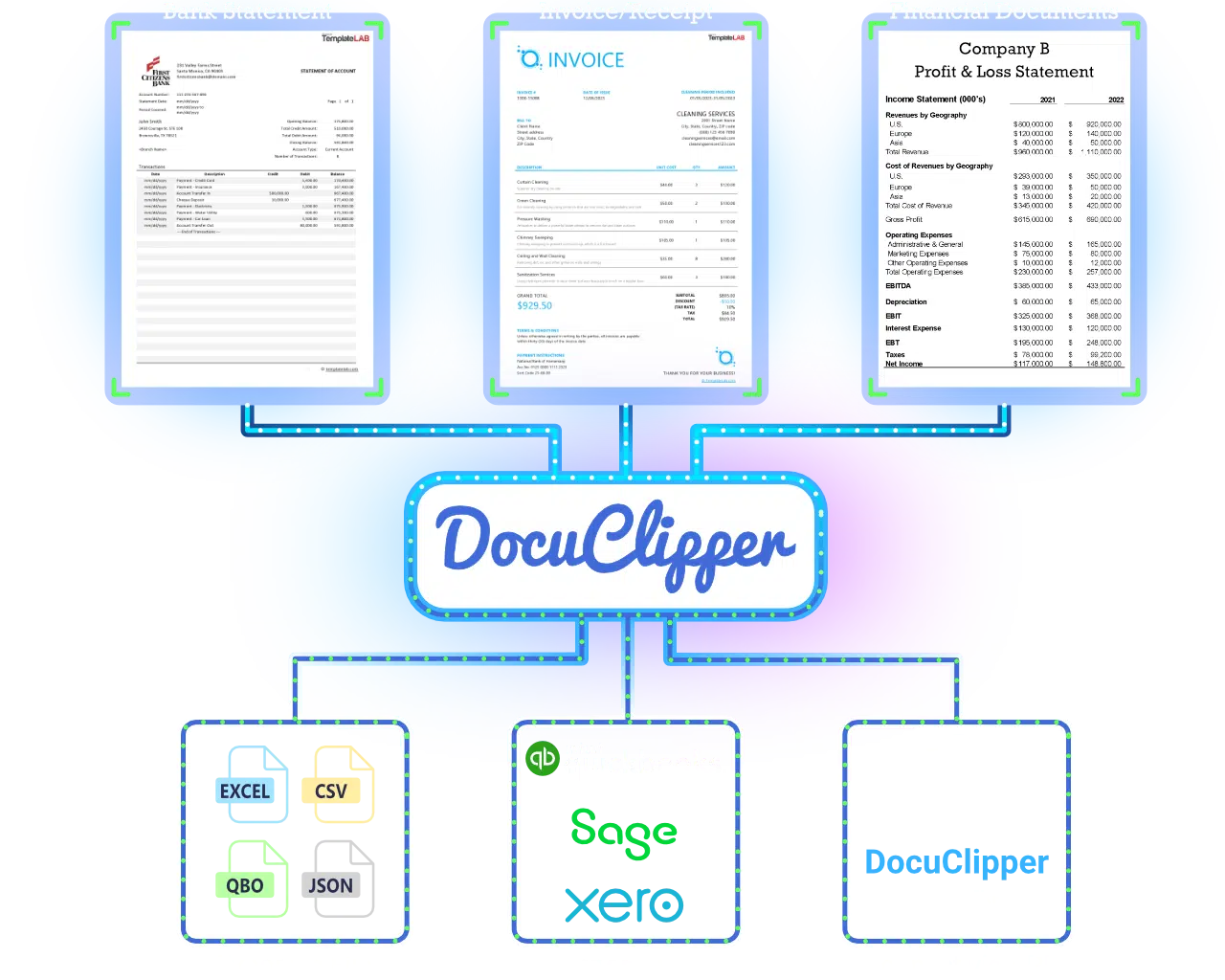
Trusted by 10,000+ Accounting, Lending, and Finance Professionals













What it does
Extract, transform, analyze, and automate your financial document workflows.
Any document type
Not just bank statements, extract from any structured PDF or form.
Plain-language prompts
Describe what you want to extract; the AI figures out the layout.
Consistent output
Same field names and formats every time, across document variations.
No engineering required
Analysts and operations teams build parsers without code.
Supported Documents
Upload documents and get structured, validation-ready data.
Bank statements
Transactions + balances, extracted and validated.
Learn moreInvoices
Vendor, totals, and structured line items.
Learn moreReceipts
OCR from messy receipt photos into clean data.
Learn moreChecks
Payee, amount, and check number extraction.
Learn moreTax forms
W-2, 1099, and paystub structured extraction.
Learn moreHow it works
→
1
Upload a sample document
Upload a representative example of the document you want to parse.
→
2
Define your fields
Use plain English to describe each field you need extracted.
→
3
Test and refine
Run the template against your sample and adjust field definitions until accurate.
4
Apply at scale
Apply your template to hundreds of documents in batch.
Core Features
Explore the key capabilities behind your structured data pipeline.
AI document parser
Build custom parsers with natural language prompts.
Learn morePDF data extraction
Structured extraction from any financial PDF.
Learn moreBank statement OCR
Pre-built, no-template parser for bank statements.
Learn moreBatch processing
Apply custom templates across large document volumes.
Learn moreAPI & Webhooks
Trigger custom extraction jobs programmatically.
Learn moreIntegrations
Export to the systems your team already uses.
Before vs After
| Feature | DocuClipper | Manual process |
|---|---|---|
| Copy/paste into Excel | Automated extraction | Manual process |
| Errors | Accurate and consistent | Error-prone |
| Time to usable data | Minutes | Hours |
| Scaling to volumes | Bulk processing | Limited by headcount |
Why DocuClipper
Validation you can trust
Reconciliation checks confirm completeness, not just OCR text extraction.
Rules > AI when it matters
Deterministic logic keeps outputs consistent and auditable.
Works across messy inputs
Standardize bank formats, scans, and multi-page documents automatically.
What Customers Say
Real reviews from accountants, bookkeepers, and finance teams.
“DocuClipper has helped us eliminate several manual data entry processes, saving us a lot of time.”
KR
Kristin Mitchell
Accounting, United States
“It's a complete game-changer. Instead of spending hours combing through statements, we get the data we need almost instantly.”
MA
Matt
Lending, United Kingdom
“DocuClipper allowed us to enhance our advisory services, directly impacting our bottom line.”
SA
Sarah Winship
Accounting, United Kingdom